The Portable Monitor I Actually Use (and Didn’t Return)
I’ve tested a few portable monitors over the past couple of years while traveling because working from a laptop all day can get exhausting pretty quickly. In theory, a second screen sounds great. In reality, some of the ones I tried were bulky, awkward to set up, or just didn’t work consistently enough to bother packing along.
So for a while I stopped trying.
Then I came across the Ingnok Portable Monitor, added it to my cart, and let it sit there for a bit. Mostly because I’d already been burned by a couple other extended screens and didn’t feel like dealing with another disappointment.
But I eventually gave it a shot — and this one actually stuck.
First Impressions
The first thing I noticed about this portable monitor was how thin and lightweight it is. It’s a 15.6" screen that weighs less than 1.5 pounds, which makes it genuinely easy to toss into a laptop bag without feeling like you’re hauling around extra equipment.
For anyone who works remotely, travels, or (like me) occasionally works from a camper setup, that portability really matters. It feels more like bringing along a tablet than another monitor.
It also comes with a simple felt carrying sleeve, which I’ve appreciated more than I expected. It keeps the screen protected and gives you a place to stash the cables so everything stays together.
Setup Was Refreshingly Simple
One of the biggest frustrations I’ve had with portable screens is setup. Some require extra drivers, strange configurations, or cables that only work in very specific ways.
This one was… none of that.
It connected quickly using USB-C, and it also includes other connection options if your device needs them. I’ve used it with my work-issued laptop without any issues, and the whole process took maybe a minute the first time.
No weird troubleshooting. It just worked.
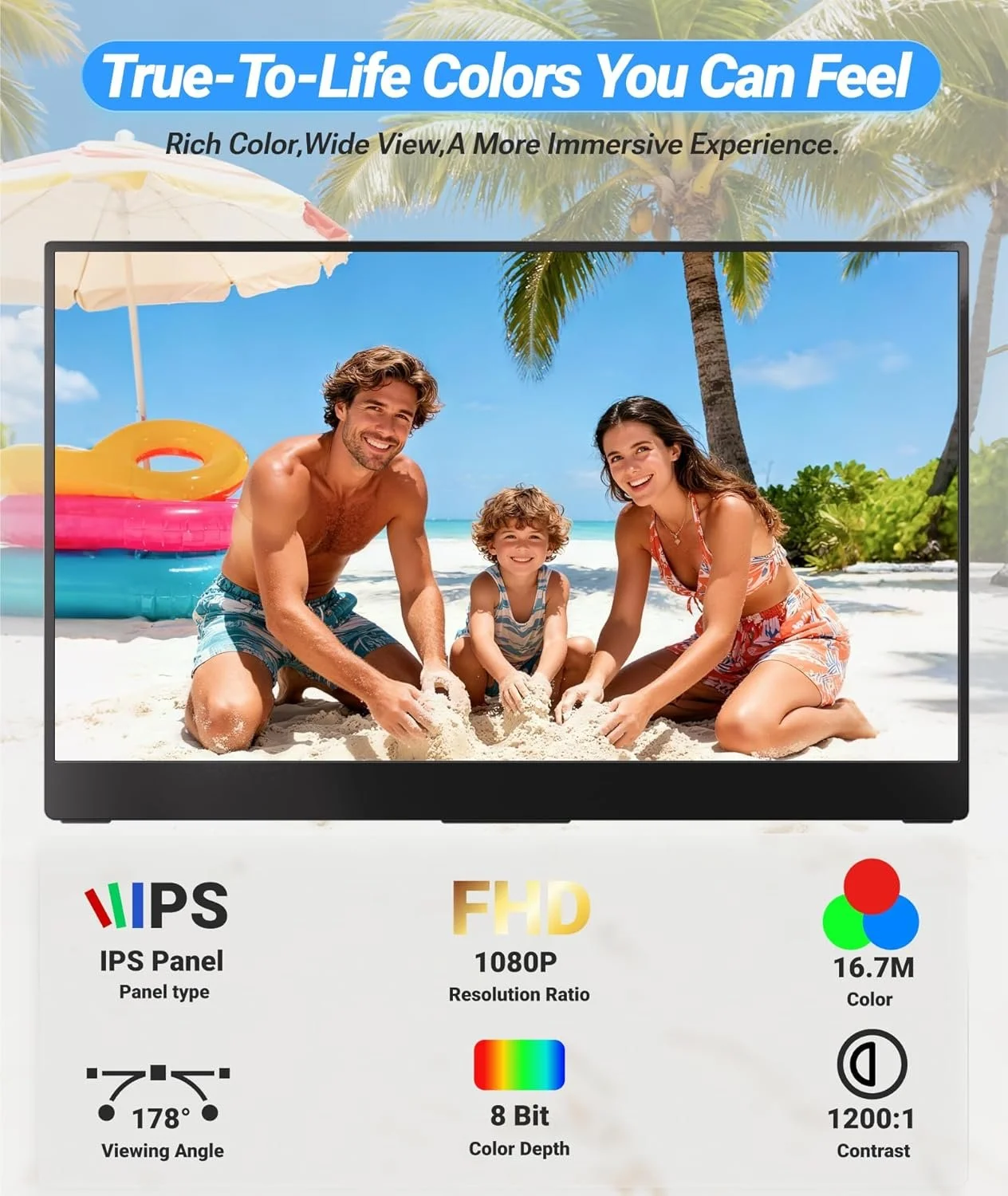
The overall quality of this second screen far exceeded my expectations.
Screen Quality (Better Than I Expected)
Portable monitors can sometimes look a little washed out or dim, but this one surprised me in a good way.
It’s a 15.6" Full HD IPS display (1920x1080), and the picture is clean and sharp. Colors look natural, brightness is solid, and the matte screen helps cut down on glare when you’re working in different lighting environments (which is great for when I like to work outside).
It’s not trying to compete with a full desktop monitor, but for a portable setup, the quality is honestly impressive.
Why I Use It Regularly
The biggest benefit for me is simple: having a second screen makes work easier.
Being able to keep email, notes, or reference material open on one screen while working on another just makes everything feel less cramped. It’s also nice during video calls if I want to keep documents or notes open without constantly switching tabs.
It comes with an adjustable stand that makes it easy to set the angle wherever it feels comfortable, and the whole setup takes up very little space on a desk or table.
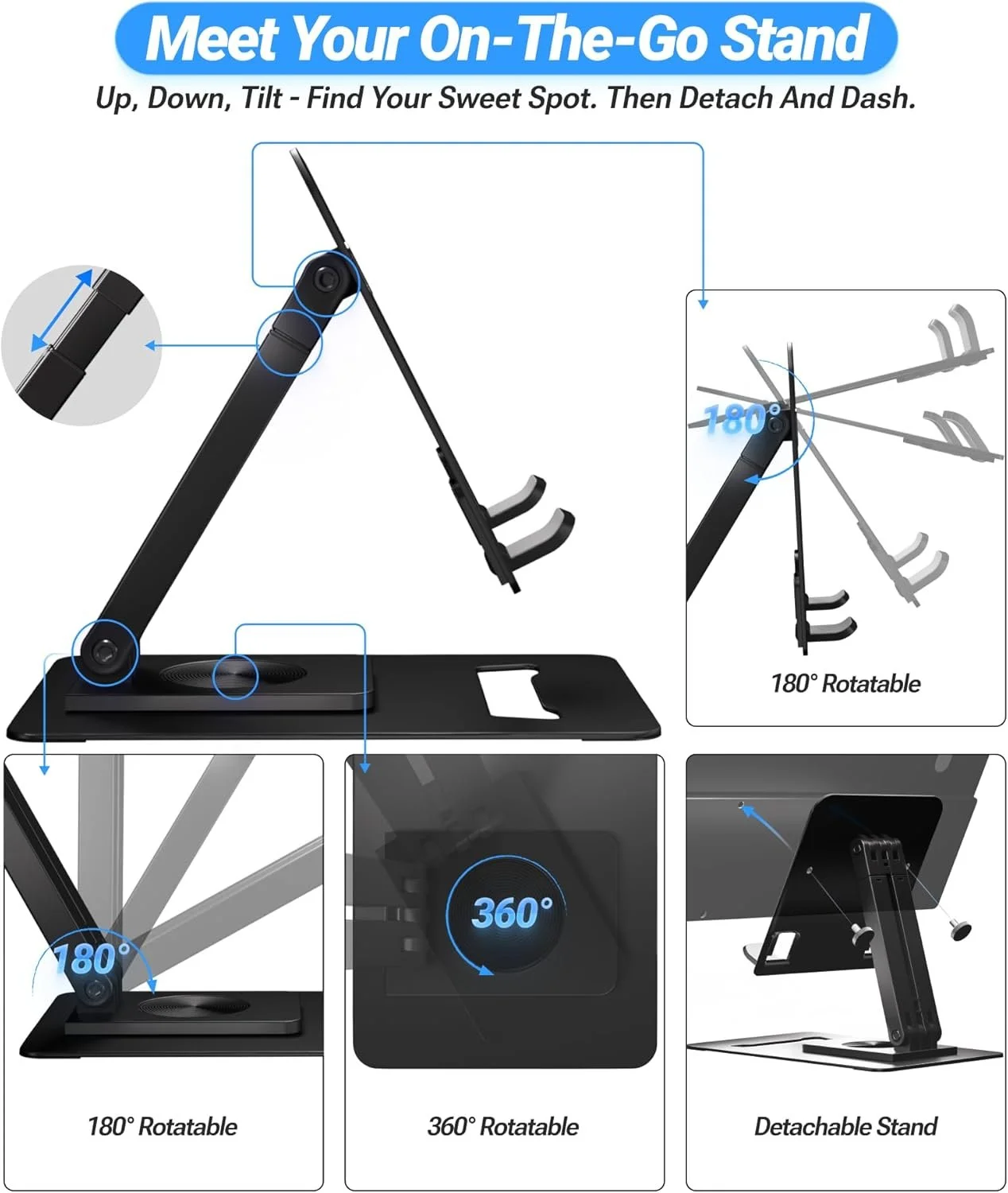
The included stand is just as lightweight and portable as the screen itself.
A Couple Small Things to Know
Nothing major, but a few practical notes:
If you're using HDMI, the monitor will need its own power source.
When connecting with USB-C, many laptops can power it directly with one cable.
The brightness defaults to about 50%, but you can increase it easily if needed.
None of these have been issues for me, but they’re helpful to know ahead of time.
Who This Is Good For
This monitor makes the most sense if you:
Work remotely or travel often
Want a lightweight second screen for productivity
Need something easy to pack in a laptop bag
Like having a more flexible workspace without carrying bulky gear
It’s also surprisingly popular with gamers who want a portable display, though I mostly use it for work.
Final Thoughts
After trying a few portable monitors that didn’t quite live up to the promise, this Ingnok Portable Monitor is the first one that actually earned a permanent spot in my setup.
It’s thin, reliable, easy to use, and portable in the way a travel monitor should be. Nothing complicated. Just a solid second screen that makes laptop work a lot more comfortable.
If you’ve been curious about adding a portable monitor but worried it might be clunky or frustrating, this one ended up being a surprising game-changer for me.
As an Amazon Associate, I earn from qualifying purchases. If you shop through my links, I may earn a small commission at no extra cost to you. I only recommend what I genuinely use and feel good about sharing.
